
Greenlight: A Debit Card for Kids
Teaching kids about money used to mean a piggy bank, a chore chart taped to the fridge, and a lot of “where did that $10 go?” energy. These days there's an app for that. Actually there are about a dozen apps for that, and Greenlight is the one that keeps coming up every time this topic gets brought up in the group chat.
So we dug in, compared it to the alternatives, and signed up. I went with the Max plan so they would earn more on their savings and could start investing. The app is super easy to use and the kids have loved having their own debit cards. You can set up limits for their spending, get notifications when they use their card, and can split up their allowance into buckets of spending, saving, and giving. We just started using the investing feature and my 10 year old loves checking his stocks every day. They have videos on investing and I love how he is getting an early look into how the stock market works. But honestly my favorite part might be that they can spend their own money when they want something and if they lose it the money isn’t gone and you can cancel the card. We’ve all been there when your kid loses that $20 bill you handed them and now I don’t worry about it!
What Is Greenlight, Exactly?
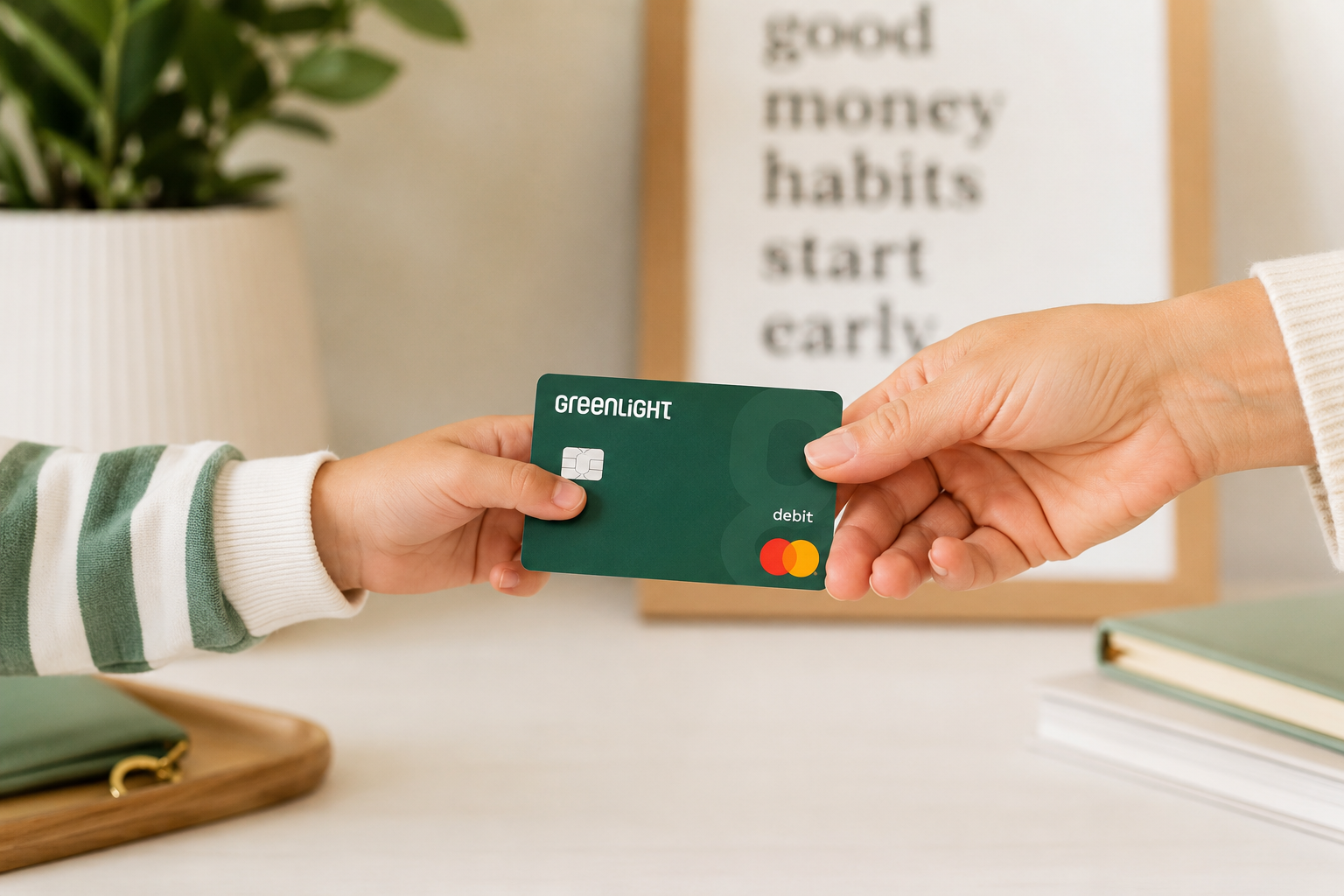
Greenlight is a debit card and money app built specifically for kids and teens, with a companion app for parents. Your kid gets a real card (it works anywhere Mastercard is accepted, plus Apple Pay and Google Pay), and you get visibility and control from your phone. You decide where they can spend, set spending limits, get real-time alerts, and turn the card on or off instantly if it goes missing.
Instead of just handing a tween a debit card and hoping for the best, Greenlight treats the card as a teaching tool, not just a payment method. There's a chores-and-allowance system built in, savings goals with real interest, and, depending on your plan, investing tools for kids to buy fractional shares with your approval.
One account covers up to five kids, which matters if you're outnumbered like most of us are.
What It Actually Costs
This is where people get tripped up, because Greenlight isn't free. It's a monthly subscription, and pricing has shifted around over the years as they've added tiers. As of this writing, plans generally break down like this (double-check current pricing on greenlight.com, since fintech pricing changes without a memo):
• Core (~$5.99/month): the essentials. Debit card, chores and allowance automation, savings account with interest, spend controls, and instant notifications.
• Max (~$10.98/month): everything in Core, plus investing for kids, cash back on debit card purchases, and a higher savings rate.
• Infinity (~$15.98/month): adds family location sharing, driving reports for new teen drivers, and identity protection.
• Family Shield (~$19.98/month): the top tier, with the highest savings rate and the most robust identity theft coverage, up to $1M in some cases.
All plans cover the whole family, not per kid, and there's typically a free trial period to test it out before you commit. A few banks, U.S. Bank among them, have started bundling Greenlight in with certain checking accounts at no extra cost, so check whether your bank already offers it before signing up separately.
The Features Parents Actually Care About
Real-time spending controls let you choose which stores or categories your kid's card works at, set limits, and get a notification the second they swipe. No more finding out about the vending machine habit three weeks later.
Chores tied to allowance mean you set up chores in the app, your kid checks them off, and the money moves automatically. It's one less thing to remember to do on a Sunday night.
The savings tools let kids set goals (new bike, concert tickets, whatever) and earn real interest on their balance, which is a better lesson in delayed gratification than anything we could say out loud fifty times.
On the higher tiers, kids can research and buy fractional shares of real companies, but every trade needs parent approval first. It's a good way to demystify the stock market before they're doing it unsupervised at 22 with no idea what a fee is.
And if the card gets lost at the pool, you can freeze it from your phone in two taps. That alone has saved more than one parent a headache.
Where It Falls Short
This isn't a perfect product.
The subscription cost is the biggest sticking point. If you've got one kid and just want a basic way to hand over spending money, $5.99 a month (about $72 a year) can feel like a lot for what's essentially a prepaid card with an app attached, especially when some banks and credit unions offer teen debit cards for free.
The best features (investing, cash back, family location) are locked behind the pricier tiers, so the plan that actually feels worth it is often not the cheapest one. Budget accordingly.
Who It's Actually Good For
Greenlight makes the most sense if you've got more than one kid, since the family pricing means you're not paying per child. The value math gets a lot better with three kids than with one.
It also makes sense if you want the teaching piece, not just the card. If your goal is helping your kid understand saving, spending, and eventually investing, rather than just needing a way to pay for school lunch, the app's tools are built for exactly that.
Same goes if you've got a teen who's about to start driving, working a part-time job, or heading off to college. That's where the location sharing and higher-tier features start pulling real weight.
Bottom Line
Greenlight isn't magic and it isn't free, but if you're looking for a tool that turns “give your kid money” into “teach your kid about money,” it does that job better than a debit card alone. Start with the free trial, see if your family actually uses the features, and upgrade or downgrade from there.
Money conversations with kids don't have to be awkward or all-or-nothing. Sometimes the right tool just makes the everyday moments a little easier to turn into a teaching opportunity.
FAQ
What age can a kid get a Greenlight card?
There's no minimum age requirement. Some parents start as early as elementary school (like us!), since you control everything from your phone.
Is Greenlight worth the monthly fee?
Depends on your family. With multiple kids, the flat family pricing tends to be worth it fast. With one kid who just needs basic spending money, a free bank-issued teen debit card might cover your needs for less.
Does Greenlight really teach kids about money?
The built-in chores, savings goals with interest, and supervised investing tools go well beyond what a plain debit card offers. Like any tool, it works best paired with actual conversations about money, not instead of them.
Can I cancel Greenlight anytime?
Yes. It's a month-to-month subscription with no long-term contract, and most plans include a free trial period before you're charged.
Use this link to earn $50 when you sign up!